Ledge
Throw a file at the notch, hand it off later
Throw a file at the notch, hand it off later
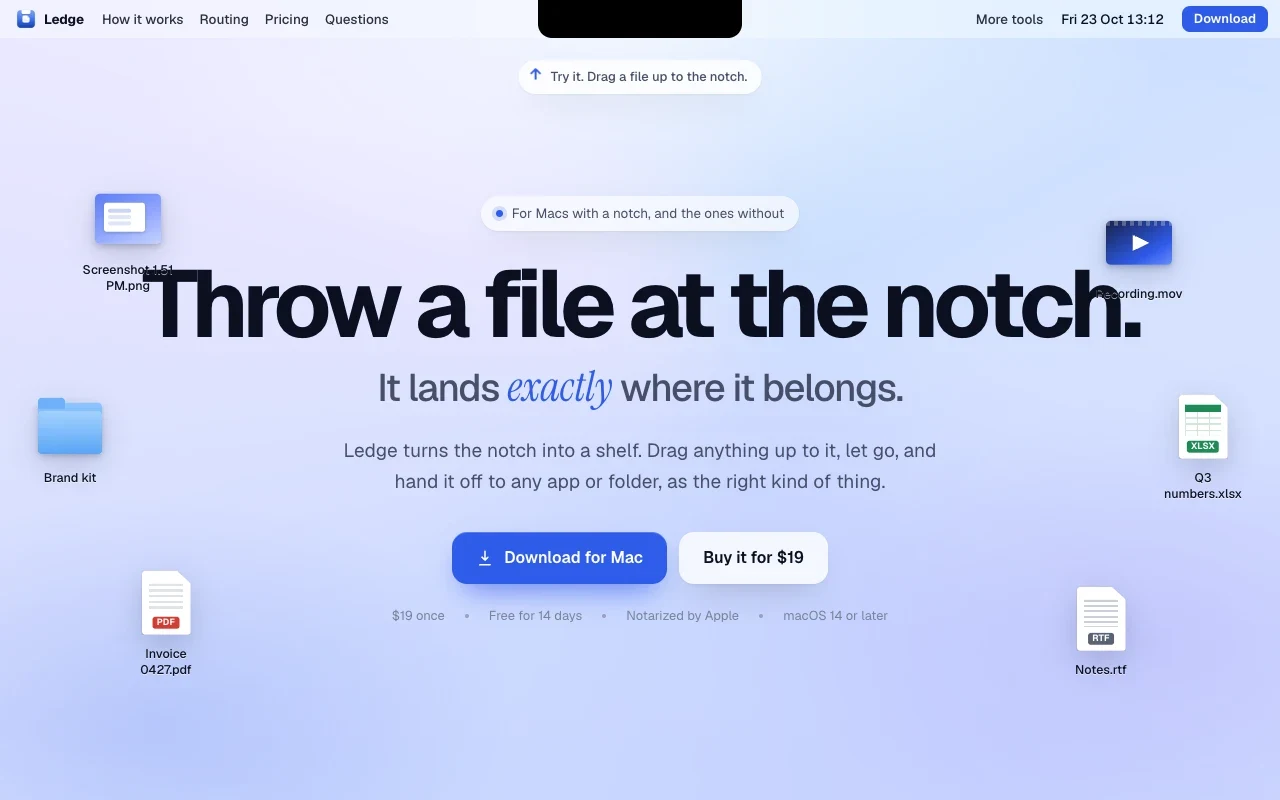
Ledge turns the notch on your Mac into a shelf. Drag any file up to the notch, let go, and hand it off later to any app or folder.
It holds screenshots, PDFs, folders, app bundles, images, links and text, and each tile shows a real preview, a clean name and a type badge. The hand-off adapts to where it goes: Terminal gets the quoted path typed in, Slack and Mail get the file attached, a folder gets the file (or a JPG if you set a rule). Per-app rules let you decide.
Option-Space opens it, or click the notch. It works on Macs without a notch too, and settles into a hairline when idle. No account, no cloud. $19 once, free for 14 days, macOS 14 or later.

Productivity
Fix "Discovered: currently not indexed" limbo fast
Web App

Productivity
Every story in tech, and everything it touches.
Web App

Productivity
Stop doomscrolling with mini and long breaks
iOS app

Productivity
Sponsee — The Sponsorship CRM for Streamers
Web App

Productivity
Stop Surviving. Start Thriving.
Web App

Productivity
Get your product found, by people and by AI
Web App