
Hushbox
Lock any file or folder on your Mac
Lock any file or folder on your Mac
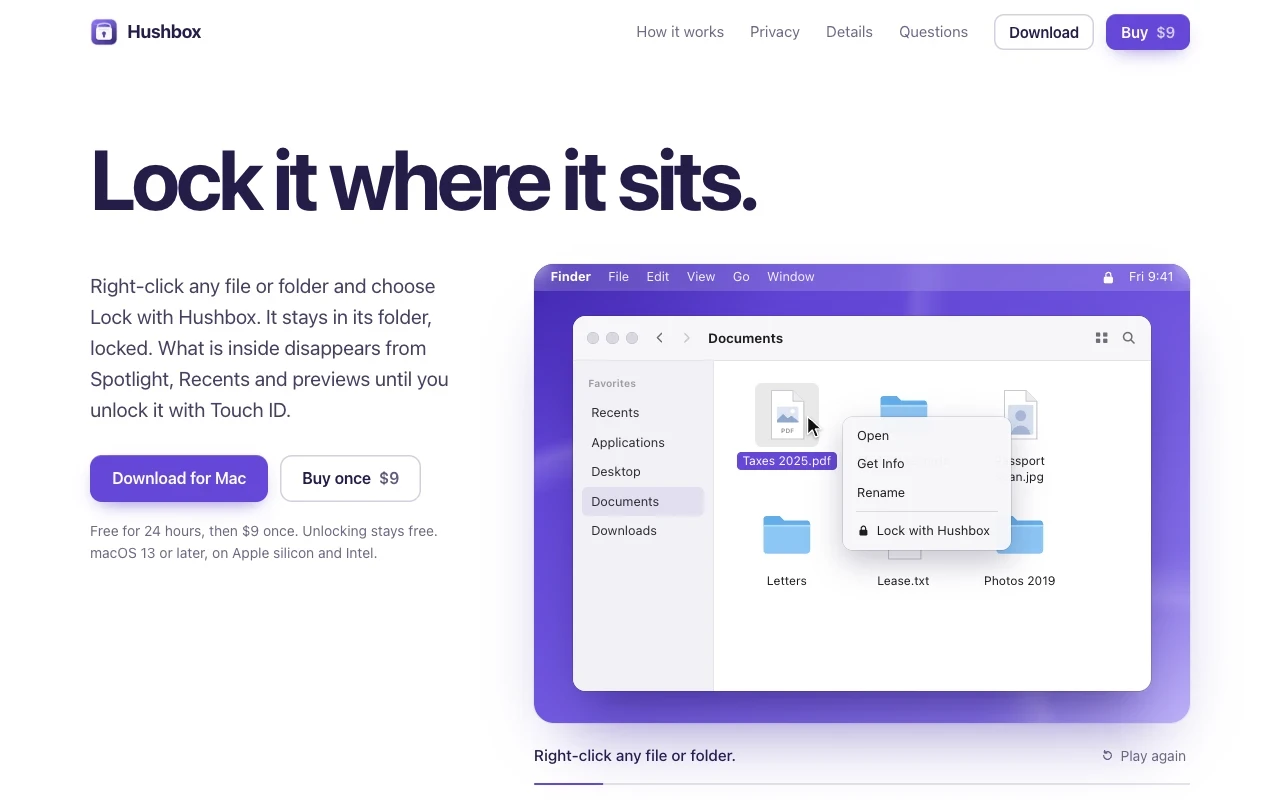
Right-click any file or folder in Finder and choose Lock with Hushbox. It stays right where it is, locked. What is inside disappears from Spotlight, Recents and previews until you unlock it with Touch ID or your Hushbox password.
Each locked item is an AES-256 encrypted disk image made with Apple's own tools, so it opens even without Hushbox. The original is deleted only after the locked copy is checked byte for byte.
Hushbox locks itself when the screen locks, the Mac sleeps or after idle time, and asks before closing apps with unsaved work. No account, no cloud.
Free for 24 hours, then $9 once; unlocking stays free. macOS 13 or later.
Same lane or overlapping tags. Stay in the graph.

Security
Security review of a GitHub repository, with the full trace
Web App

Security
AI security audits for e-commerce and web platforms
Desktop App

Security
Ask-before-run control for Claude Code, Codex and Cursor on your machine
CLI

Security
Independent SMB endpoint security database — sourced prices, lab results, Fit Score
Web App

Security
Expert UX and security audits for web apps.
Web App